




What Is cPanel Hosting and How Can You Use It?
Complete SEO blog post for MSoft Host
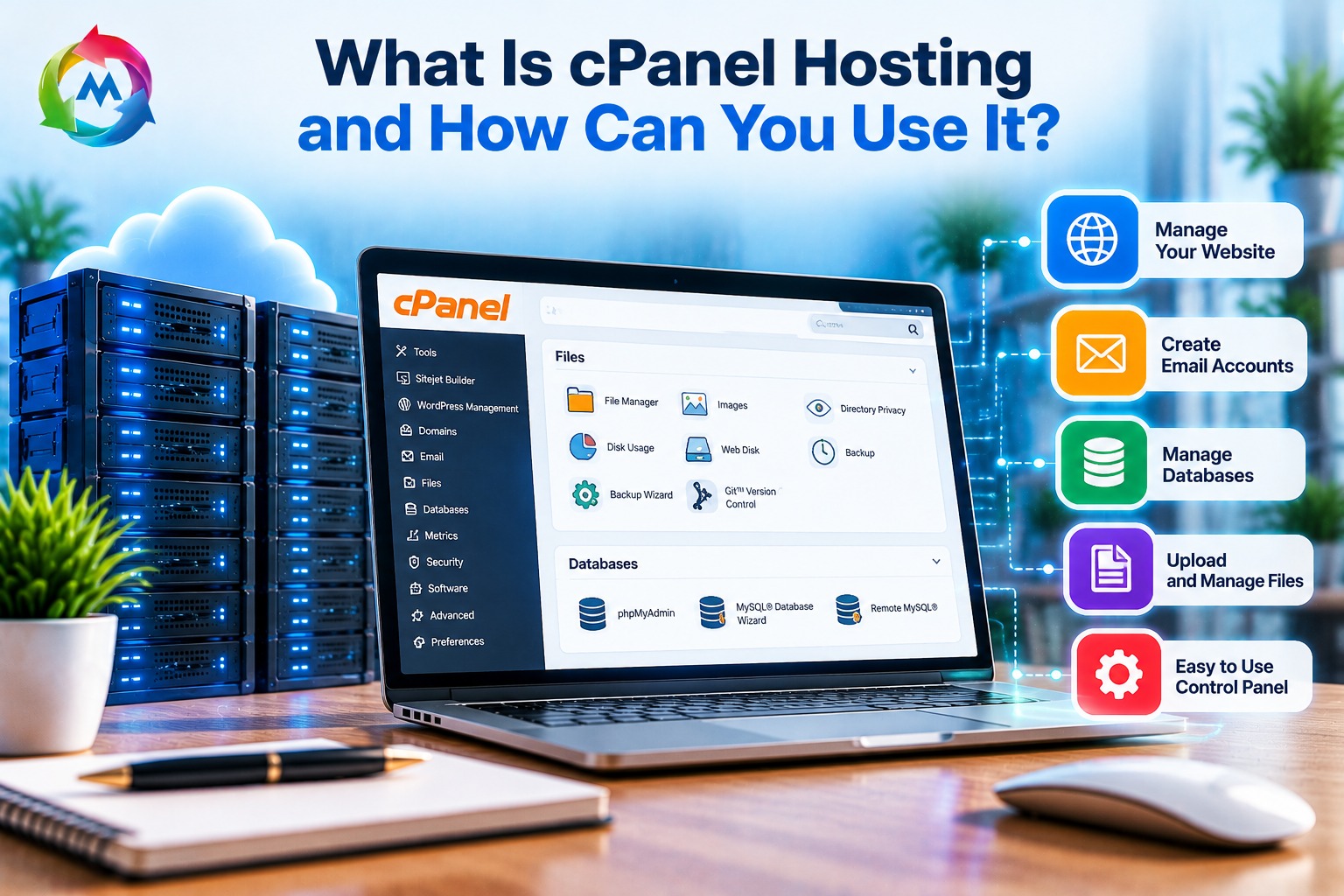
cPanel hosting is a popular type of web hosting that allows website owners to manage their websites through a simple, browser-based control panel. Instead of using complicated server commands, you can use cPanel to manage website files, create email accounts, set up databases, install WordPress, and monitor your hosting resources.
For beginners, small businesses, and website developers, cPanel makes website management easier and more accessible. In this guide, you will learn what cPanel hosting is, how it works, its main features, and how to use it to manage your website.
What Is cPanel Hosting?
cPanel hosting is a web hosting service that includes cPanel, a graphical control panel for managing hosting accounts. It provides an organized dashboard where you can access different website management tools without needing advanced technical knowledge.
When you purchase a cPanel hosting plan, your hosting provider gives you access to a cPanel account. You can then use this account to manage your website files, domains, databases, email services, and security settings.
For example, if you have a business website, you can use cPanel to upload website files, create a professional email address, install WordPress, and back up your website.
cPanel is commonly used with Linux-based web hosting services, including shared hosting, VPS hosting, and dedicated servers.
How Does cPanel Hosting Work?
cPanel works as an interface between you and your web hosting server. Your hosting server stores your website’s files, databases, emails, and other information. cPanel helps you manage these resources through a graphical dashboard.
When someone visits your website, their browser requests website content from your hosting server. The server processes the request and delivers the website to the visitor. Meanwhile, you can use cPanel to manage the files and services that keep your website running.
Here is a simple example of how you use cPanel:
-
Purchase a hosting plan from a hosting provider.
-
Receive your cPanel login details.
-
Sign in to your cPanel account using your browser.
-
Upload your website files or install a content management system such as WordPress.
-
Configure your domain, email accounts, databases, and security settings.
-
Manage and maintain your website through the cPanel dashboard.
You do not need to access the server directly for many common tasks. However, some advanced server settings may still require technical support or command-line access.
Main Features of cPanel Hosting
cPanel includes several tools that help you manage different parts of your website from one place.
1. File Manager
The File Manager allows you to access and organize your website files directly from your browser. You can upload, download, edit, rename, move, and delete files without using a separate FTP application.
For example, you can upload HTML, CSS, JavaScript, images, and other website files to the public_html directory, which is commonly used as the main website directory.
2. Email Account Management
With cPanel hosting, you can create and manage professional email addresses connected to your domain.
For example, a business with the domain example.com may create email addresses such as:
-
info@example.com
-
sales@example.com
-
support@example.com
You can also manage email forwarding, storage limits, and spam-related settings, depending on the hosting provider’s configuration.
3. MySQL Database Management
Many websites use databases to store information such as customer details, products, orders, and website content. cPanel provides tools to create and manage databases and database users.
You can also use phpMyAdmin, when available, to view and manage MySQL or MariaDB databases through a web interface.
This feature is especially useful for WordPress websites, online stores, and custom PHP applications.
4. One-Click Application Installation
Many cPanel hosting providers include application installers such as Softaculous. These tools can simplify the installation of popular applications, including WordPress.
Instead of manually uploading application files and configuring a database, you can often complete the installation through a guided setup process.
The available applications depend on your hosting provider and plan.
5. Domain Management
cPanel offers tools to manage domains and subdomains associated with your hosting account. Depending on the configuration, you may be able to add additional domains, create subdomains, and configure redirects.
For example, if your main website is example.com, you could create a subdomain such as blog.example.com.
Keep in mind that registering a domain and connecting it to hosting are separate tasks. You may need to configure your domain’s DNS records with your domain registrar or DNS provider.
6. SSL and Website Security
cPanel may provide access to SSL/TLS tools that help you enable HTTPS for your website. Many hosting providers also offer AutoSSL or another automated certificate process.
Other security-related features may include password-protected directories, IP blocking, hotlink protection, and access to security tools. The exact options depend on your hosting plan and server configuration.
7. Backup Management
Website backups help protect your files, databases, and other important information if something goes wrong.
Some cPanel hosting plans include backup and restore tools. Depending on the provider, you may be able to create backups manually, download them, or restore a previous version of your website.
Always check how often your hosting provider creates backups, how long it retains them, and whether restoring a backup has additional costs. Keeping a separate copy of important backups is also recommended.
How Can You Use cPanel Hosting?
Using cPanel is generally straightforward. After receiving your login details from your hosting provider, follow these basic steps to get started.
Step 1: Log In to cPanel
Open the cPanel login address provided by your hosting company and enter your username and password. Some providers also offer a direct cPanel login button in their customer dashboard.
For security, use a strong password and enable two-factor authentication if your provider supports it.
Step 2: Upload Your Website Files
Open File Manager from the cPanel dashboard. Navigate to the public_html folder, or the document root assigned to your domain.
Upload your website files to the correct directory. For a basic HTML website, make sure the main page is named index.html or another default filename supported by your server configuration.
If you are migrating an existing website, make sure you also transfer any required databases and configuration files.
Step 3: Create a Database
If your website requires a database, open the database management section in cPanel. Create a database and a database user, then assign the required permissions.
Save the database name, username, and password securely. Your website may need these details in its configuration file to connect to the database.
Step 4: Create a Professional Email Address
Find Email Accounts in cPanel and choose the option to create a new email address.
Select your domain, choose an email username, and set a strong password. You can then access the email account through webmail or configure it in a supported email application.
Step 5: Install WordPress
If your hosting plan includes an application installer, open it from the cPanel dashboard and select WordPress.
Follow the installation instructions, including selecting your domain, entering your website name, and creating administrator login details.
After installation, you can sign in to the WordPress dashboard to create pages, publish posts, and customize your website.
Step 6: Enable HTTPS
Check whether your hosting provider offers AutoSSL or another SSL certificate tool. If available, follow the provider’s instructions to issue and activate a certificate for your domain.
Once HTTPS is configured, verify that your website loads securely. You may also need to update your website’s settings and redirect HTTP traffic to HTTPS.
Step 7: Maintain Your Website
Regular maintenance helps keep your website reliable and secure. Use cPanel to check available resources, manage files and email accounts, review backups, and maintain databases where needed.
Also, keep your website software, themes, and plugins updated. For WordPress websites, perform updates carefully and create a backup before making major changes.
Benefits of cPanel Hosting
cPanel hosting provides several benefits for website owners and businesses.
-
Easy to use: A graphical interface makes common hosting tasks more accessible.
-
Centralized management: You can manage website files, databases, emails, and domains in one place.
-
Beginner-friendly: Many tasks can be completed without advanced server administration skills.
-
Time-saving tools: Application installers and built-in management features can reduce manual work.
-
Website maintenance: File, database, security, and backup tools can help you maintain your website.
-
Developer support: Tools such as FTP access, database management, and PHP settings can support common development workflows, depending on the hosting plan.
However, cPanel itself does not guarantee website speed, security, or uptime. These also depend on the server infrastructure, hosting provider, website configuration, and maintenance practices.
cPanel Hosting vs. Hosting Without cPanel
|
Feature |
cPanel Hosting |
Hosting Without cPanel |
|---|---|---|
|
Website management |
Graphical dashboard |
May use another dashboard or command line |
|
File management |
Built-in File Manager |
Depends on available tools |
|
Email accounts |
Often managed through cPanel |
Depends on hosting service |
|
Database management |
Commonly includes database tools |
Depends on server configuration |
|
Ease of use |
Often accessible to beginners |
Varies by platform |
|
Server control |
Usually limited by the hosting plan |
May offer more control in some environments |
|
Cost |
May include a separate licensing cost |
Depends on the control panel or hosting setup |
Hosting without cPanel is not necessarily more difficult. Some providers offer their own user-friendly dashboards, while advanced users may prefer command-line tools or other control panels.
Is cPanel Hosting Right for Your Business?
cPanel hosting can be suitable for individuals, small businesses, bloggers, and developers who want to manage websites through a familiar graphical interface.
It may be a practical option if you:
-
Manage a company website or portfolio.
-
Want to create professional domain-based email accounts.
-
Use WordPress or another supported web application.
-
Need access to files, databases, and backups.
-
Prefer a dashboard instead of managing every task through server commands.
For websites with high traffic, specialized technical requirements, or demanding applications, a VPS or dedicated server may be more suitable. In those cases, you should consider the server resources, technical support, management requirements, and total hosting costs—not just the control panel.
Common Mistakes to Avoid When Using cPanel
Although cPanel simplifies hosting management, some mistakes can still affect your website.
-
Deleting important files: Always confirm what a file does before removing it.
-
Ignoring backups: Create and verify backups before major changes.
-
Using weak passwords: Use unique, strong passwords for cPanel, email, and website accounts.
-
Misconfiguring databases: Check database names, usernames, passwords, and permissions carefully.
-
Forgetting SSL: Make sure HTTPS works correctly after installing or migrating a website.
-
Ignoring resource limits: Monitor disk space, bandwidth, and other limits included in your hosting plan.
-
Leaving software outdated: Update your CMS, plugins, and themes to reduce avoidable security risks.
Conclusion
cPanel hosting provides a convenient way to manage websites, email accounts, databases, domains, and other hosting features through a browser-based dashboard. Its graphical interface can make common website management tasks easier for beginners, businesses, and developers.
Before choosing a hosting plan, compare the included features, storage, resource limits, security options, backup policy, technical support, and renewal pricing. Choosing a plan that matches your website’s needs can help you manage your online presence effectively.
If you are planning to launch a new website, explore the hosting and domain services available at
and learn more about
.
For additional technical reading, visit the
.