




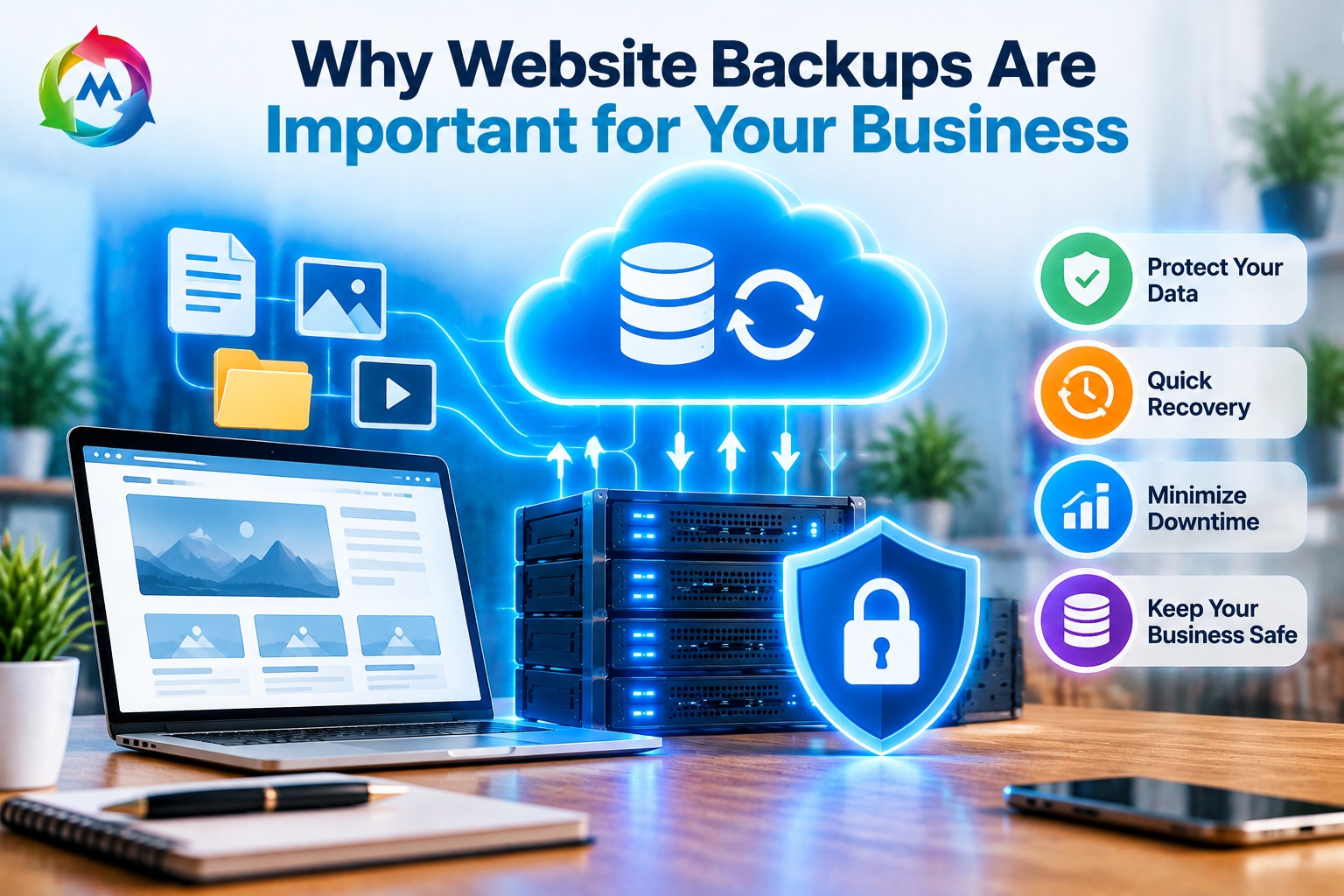
Why Website Backups Are Important for Your Business
Your business website is an important part of your online presence. It helps you connect with customers, showcase your services, receive inquiries, and generate sales. However, technical problems, cyberattacks, accidental deletions, or failed updates can cause your website to lose important data or stop working.
Website backups are important for your business because they help protect your website’s files, databases, images, customer information, and other essential content. With a reliable backup plan, you can restore your website after unexpected problems and reduce the risk of losing valuable information.
In this article, we will explain why website backups matter, what they protect, how often you should create them, and how to choose a reliable backup solution for your business.
What Is a Website Backup?
A website backup is a copy of your website’s important data that you can use to restore it if the original files become damaged, deleted, or inaccessible.
A complete website backup may include:
- Website files: HTML, CSS, JavaScript, images, themes, plugins, and other files.
- Databases: Website content, product information, customer records, orders, and settings, depending on your website.
- Email data: Business emails, if your backup solution supports email backups.
- Configuration files: Important settings required for your website to operate correctly.
For example, if you operate a WordPress website, a backup typically needs both the WordPress files and its database. Backing up only the files may not preserve your posts, pages, user accounts, or other database-stored information.
A backup gives your business a recovery option when something goes wrong.
1. Protect Your Business from Data Loss
Data loss can happen unexpectedly. A website administrator might accidentally delete important files, a developer might make a configuration mistake, or a server issue might damage website data.
Without a recent backup, recovering lost information can be difficult, expensive, or sometimes impossible.
Regular website backups help protect important business information, including:
- Company information and service descriptions.
- Product details and images.
- Blog posts and website pages.
- Customer inquiries and contact forms.
- Online store orders and related records.
For businesses that rely on their websites every day, losing this information can interrupt normal operations. Backups provide a way to recover website data and continue serving customers.
2. Recover Your Website After Cyberattacks
Cyberattacks can affect websites of all sizes. Attackers may exploit outdated software, weak passwords, or vulnerable plugins to gain unauthorized access to a website.
Some attacks may modify, delete, or encrypt website files and databases. In these situations, a clean backup can help you restore your website to a previous working version.
However, restoring a backup alone does not remove the original security weakness. Before restoring your website, identify and address the cause of the incident, update vulnerable software, and secure affected accounts.
For better protection, keep backups separate from your main hosting account when possible. This can reduce the risk of an attacker compromising both your website and its backups.
3. Reduce Website Downtime
When a business website stops working, visitors may be unable to access important information, submit inquiries, or purchase products.
For example, if an online store experiences a database problem, customers may be unable to browse products or complete orders. A service-based business may also miss customer inquiries if its website forms stop functioning.
Website backups can help reduce recovery time by providing a copy of the website that can be restored. The actual recovery time depends on the size of the website, the backup’s condition, the cause of the problem, and the restoration process.
A reliable backup strategy helps your business prepare for unexpected disruptions and restore essential website functions more efficiently.
4. Restore Your Website After Failed Updates
Updating WordPress, themes, plugins, or other website software is important for maintaining security and compatibility. However, some updates may cause conflicts, broken layouts, errors, or compatibility issues.
For example, a plugin update may conflict with your website’s theme or another plugin. As a result, certain pages may stop displaying correctly or important features may no longer work.
Creating a backup before major updates gives you a recovery point if an update causes problems.
A practical update process includes:
- Create a full website backup.
- Update WordPress, themes, and plugins.
- Test important pages and features.
- Check forms, login pages, and checkout functionality, if applicable.
- Restore the backup or troubleshoot if a serious issue occurs.
This approach helps reduce the risk of an update interrupting your business website.
5. Protect Customer and Business Information
Many business websites store or process important information. An online store may manage customer accounts and orders, while a service website may collect customer inquiries through contact forms.
Losing this information can disrupt customer service and business operations.
Depending on the website and backup system, backups may preserve important database records and website content. However, not every backup includes email data, external payment records, or information stored in third-party services.
Businesses should identify which information is stored on their website and which information is managed elsewhere. They should also protect backup files with appropriate access controls and encryption where available.
If your business handles personal or sensitive information, make sure your backup and retention practices follow applicable privacy and data-protection requirements.
6. Save Time and Reduce Recovery Costs
Rebuilding a website after major data loss can require significant time and technical work. You may need to recreate pages, upload images, restore databases, reinstall plugins, and configure settings.
For a business website with many pages or products, manually rebuilding everything can be a lengthy process.
A usable backup can help avoid some of this work by allowing you to restore a previous version of your website. This may reduce recovery effort and help your team focus on regular business activities.
Although creating and storing backups may involve costs, planning for recovery can help reduce the impact of unexpected website problems.
7. Keep Your Business Website Reliable
Customers expect business websites to provide accurate information and work correctly. Missing pages, broken images, or inaccessible services can affect customer confidence.
Backups are one part of a broader website maintenance strategy. They do not prevent every technical issue, but they help your business recover when data is lost or website changes cause problems.
Combine backups with:
- Regular software updates.
- Strong passwords and secure login practices.
- SSL/TLS certificates and HTTPS.
- Security monitoring.
- Website performance checks.
- Periodic backup restoration tests.
Together, these practices can help maintain a more dependable online presence.
8. Support Website Migration and Redesign
Businesses may eventually move to a new hosting provider, redesign their website, change their content management system, or update their website structure.
A recent backup provides a copy of the existing website before major changes begin.
For example, if you are transferring a WordPress website to a new hosting provider, you may need to move the website files, database, and other relevant data. A backup gives you a recovery option if the migration does not go as planned.
Before making significant changes, create a complete backup and verify that the files can be restored. This is particularly important for online stores and websites that regularly receive customer orders or inquiries.
How Often Should You Back Up Your Website?
The right backup frequency depends on how often your website changes and how much data your business can afford to lose.
| Website Type | Suggested Backup Frequency |
|---|---|
| Personal or static website | Weekly or before major changes |
| Small business website | Daily or several times per week, depending on updates |
| WordPress blog | Daily if publishing content regularly |
| WooCommerce store | Frequent database backups, potentially several times a day |
| High-traffic business website | Based on data-change frequency and recovery requirements |
These are general recommendations rather than fixed rules. A website that receives frequent orders or customer submissions may need more frequent backups than a website with rarely updated pages.
For important websites, consider automated backups to reduce the chance of forgetting to create them manually.
What Is the 3-2-1 Backup Strategy?
The 3-2-1 backup strategy is a commonly used approach to protecting important data.
It involves:
- 3 copies of your data: Keep the original data and two backup copies.
- 2 different storage types: Store copies on different types of storage or systems where practical.
- 1 off-site copy: Keep at least one backup in a separate location from your main website server.
For example, a business might keep its live website on its hosting server, a backup in a separate storage service, and another copy in a secure offline location.
This approach can help reduce the risk of losing both the original website and all backup copies in the same incident.
How to Choose a Reliable Website Backup Solution
When selecting a backup solution for your business website, consider the following factors:
Automated Backups
Automated backups can create copies of your website on a regular schedule. Check whether the backup frequency can be adjusted to match your website’s activity.
Secure Backup Storage
Choose a solution that protects backup files from unauthorized access. Off-site storage can help protect your backups if your hosting server experiences a major failure.
Easy Restoration
A backup is useful only if you can restore it when needed. Review whether the solution provides simple restore tools, technical support, and clear recovery instructions.
Backup Retention
Backup retention determines how long previous copies are stored. Longer retention may help if you discover a problem several days after it first occurred.
Full Website Coverage
Confirm that your backup solution includes the files and databases your website needs. If your business uses email hosting or external services, check whether those require separate backup arrangements.
Restoration Testing
Test your backups periodically in a safe environment. A successful backup process does not automatically guarantee that the stored data can be restored correctly.
Common Website Backup Mistakes to Avoid
Even businesses that create backups can face recovery problems if they do not manage them properly.
Avoid these common mistakes:
- Backing up only website files: Databases may contain important website content and customer records.
- Keeping all backups on the same server: A server failure or security incident could affect every copy.
- Ignoring backup schedules: Infrequent backups may cause you to lose recent changes.
- Never testing restoration: Backup files may be incomplete, corrupted, or difficult to restore.
- Using weak access protection: Unauthorized users could access or delete backup files.
- Forgetting website emails: Email accounts may need a separate backup solution.
- Keeping backups indefinitely without a policy: Establish suitable retention periods based on your business needs and applicable requirements.
Review your backup process regularly to make sure it still meets your website’s needs.
Conclusion
Website backups are an essential part of protecting your business’s online presence. They help you recover from data loss, cyberattacks, failed updates, technical errors, and website migration problems.
By creating regular backups, storing copies securely, and testing restoration procedures, you can prepare your business to respond to unexpected website issues.
If your business website is hosted with a reliable provider, review the available backup features and confirm exactly what they cover. Explore the hosting services available at MSoft Host and learn more about domain registration when planning your business’s online presence.
For additional guidance, read the WordPress documentation on backups.