
How to Choose Secure and Reliable Web Hosting in Afghanistan
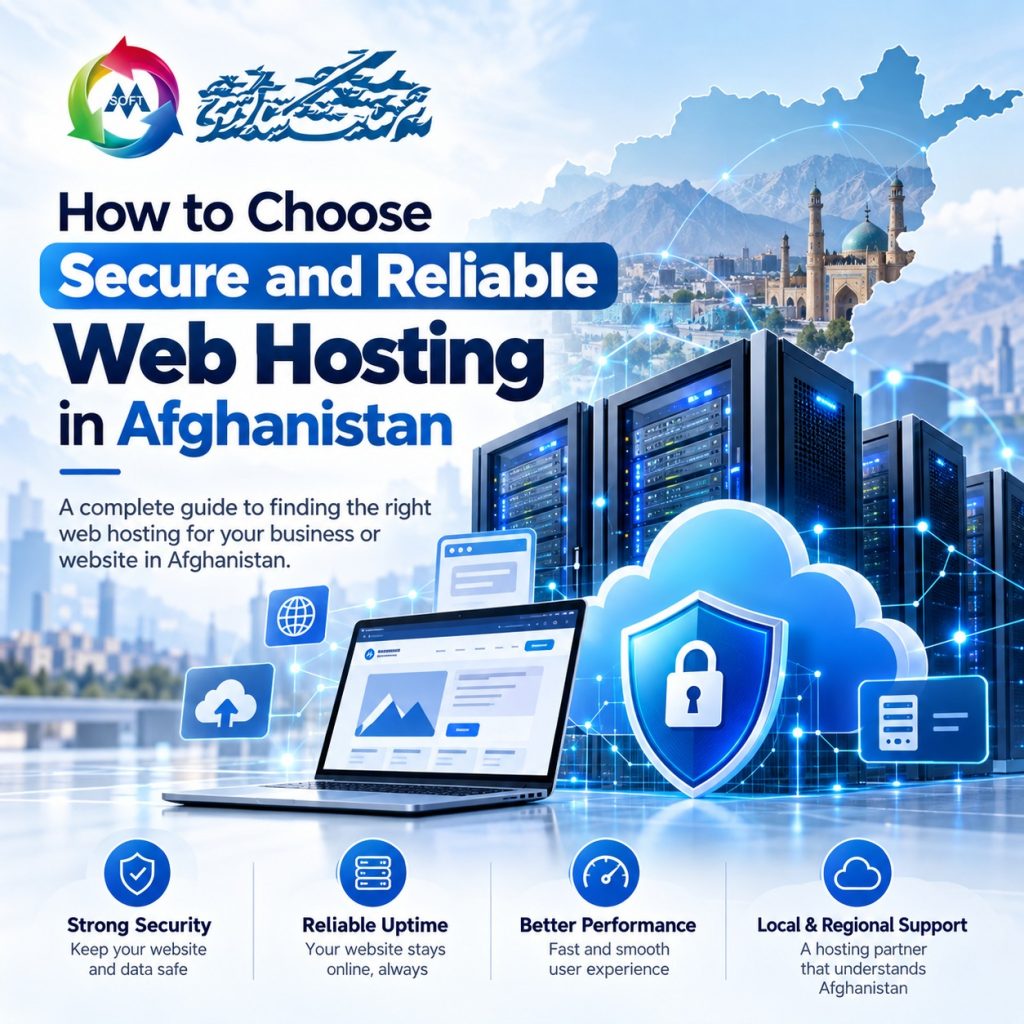
How to Choose Secure and Reliable Web Hosting in Afghanistan
Secure web hosting is important for businesses that want to protect their websites, keep their services available, and build trust with online visitors. Whether you manage a company website, an online store, or a personal blog, the hosting service you choose can affect your website’s security, speed, and reliability.
For businesses in Afghanistan, choosing a suitable hosting plan means considering more than the price. You should also review server performance, website backups, SSL certificates, technical support, and the needs of your target audience.
In this guide, you will learn how to choose secure and reliable web hosting in Afghanistan and understand the key features to look for before purchasing a hosting plan.
What Is Secure Web Hosting?
Secure web hosting is a service that stores your website files and database on a server while providing features to help protect them from common online threats. These features may include SSL certificates, firewalls, malware scanning, regular backups, and server updates.
Reliable hosting aims to keep your website accessible to visitors and operating as expected. Together, security and reliability help businesses maintain their online presence and reduce the risk of disruption.
However, no hosting service can remove every security risk. Website owners also need to maintain their websites, protect login details, and keep software updated.
Why Is Secure Web Hosting Important in Afghanistan?
A business website helps customers learn about your company, explore your services, and contact your team. If the website is unavailable, slow, or affected by security problems, visitors may not be able to complete these tasks.
Choosing secure web hosting can help businesses:
- Protect website files and important data.
- Keep their websites accessible to customers.
- Support secure connections through HTTPS.
- Reduce the impact of technical problems.
- Provide a smoother experience on mobile and desktop devices.
- Support business growth as website traffic increases.
Businesses in Afghanistan may also serve customers in other countries. Therefore, consider your visitors’ locations, server network quality, and whether a content delivery network (CDN) is available to help deliver website content.
8 Important Features of Secure Web Hosting
Before selecting a hosting plan, compare its security, performance, and support features. These eight points can help you understand what to look for.
1. SSL Certificate and HTTPS Security
An SSL/TLS certificate helps encrypt information sent between a visitor’s browser and your website. When HTTPS is enabled, it helps protect data as it travels across the network.
HTTPS is especially important for business websites, login pages, contact forms, and online stores. It can also help visitors recognize that your website uses an encrypted connection.
Choose a hosting plan that supports SSL certificates and provides a clear process for installation and renewal. You can learn more from the official WordPress HTTPS guide.
2. Reliable Uptime
Uptime is the amount of time a website is available to visitors. Frequent downtime can prevent customers from viewing your services, submitting inquiries, or placing orders.
Before buying hosting, review the provider’s uptime commitment and service terms. Check whether it explains server monitoring, maintenance, and how service interruptions are handled.
Keep in mind that an uptime target is not a guarantee that your website will never go offline. Website monitoring can help you identify availability issues and respond to them.
3. Regular Website Backups
Website backups are copies of your website files and database. They can help you recover information if files are accidentally deleted, data becomes damaged, or an update causes a problem.
For example, a plugin update may cause errors on a WordPress website. A recent backup can help you restore a previous working version.
When comparing secure web hosting plans, check:
- How often backups are created.
- How many backup copies are retained.
- Whether you can restore backups yourself.
- Whether backup restoration has additional fees.
- Whether you can store a separate copy outside your hosting account.
The official WordPress backup guide explains why website files and databases both need to be included in a backup.
4. Good Server Performance
Server performance affects how quickly your website responds to visitors. A suitable hosting plan should provide enough resources for your website’s normal activity.
Review the plan’s available storage, memory, CPU resources, and database limits. Also, consider the type and size of your website.
A small business website may need fewer resources than an online store with many products, images, and visitors. As your website grows, you may need to upgrade your plan.
You should also consider caching, server configuration, and network quality, as these can affect website loading speed.
5. Strong Server Security
Secure web hosting should include appropriate protection for the server and hosting accounts. Depending on the provider, security features may include:
- Server firewalls.
- Malware scanning.
- Account isolation.
- Software and security updates.
- Protection against suspicious activity.
- Restricted access to sensitive files.
Security is a shared responsibility. Hosting providers manage the hosting environment, while website owners must protect their applications and accounts.
If you use WordPress, install themes and plugins from trusted sources, remove unused extensions, use strong passwords, and keep your website updated. The WordPress security guide provides additional recommendations.
6. Helpful Technical Support
Technical support is important when you face hosting or website problems. For example, you may experience an SSL error, a database connection issue, or difficulty configuring business email.
Before choosing a hosting provider, check its available support channels, service hours, and the types of technical issues it handles.
For businesses with limited technical experience, clear instructions and support staff who can explain problems in simple language can make hosting management easier.
7. Easy-to-Use Control Panel
A hosting control panel allows you to manage your hosting account through a graphical interface rather than relying entirely on server commands.
Many hosting plans provide cPanel or another control panel with tools for:
- Managing website files.
- Creating email accounts.
- Managing databases.
- Adding domains and subdomains.
- Installing applications.
- Managing backups and security settings.
An easy-to-use control panel can be useful for beginners and small businesses. Before purchasing a plan, check which control panel is included and whether it supports the tasks you need.
8. Flexible Hosting Plans
Your website’s needs may change as your business grows. You may publish more content, receive more visitors, add products, or introduce new online services.
A hosting provider with clear upgrade options can help you increase resources as needed. For example, you might start with shared hosting and later move to VPS or cloud hosting.
Review the available plans, resource limits, upgrade process, and possible migration requirements before making a decision.
Which Type of Web Hosting Should You Choose?
Different hosting types offer different levels of resources, flexibility, and management. The right option depends on your website and technical requirements.
Shared Hosting
Shared hosting allows multiple websites to use resources on the same server. It is often affordable and relatively simple to manage.
It may suit small business websites, personal blogs, portfolios, and new websites with modest traffic. However, resource limits may become a concern as your website grows.
VPS Hosting
VPS hosting provides a virtual server with allocated resources and more control than many basic shared hosting plans.
It may suit growing businesses, websites with higher traffic, and projects that need specific server settings. Some VPS plans require technical knowledge to manage and maintain.
Cloud Hosting
Cloud hosting uses connected server resources to run websites and applications. Depending on the provider, it may offer flexible resource scaling and options for handling changes in traffic.
It can be useful for businesses with changing resource needs. However, pricing, technical management, and included features vary between providers.
Managed Hosting
Managed hosting includes technical services provided by the hosting company. Depending on the plan, these services may include software updates, backups, security checks, and server maintenance.
This option may be useful for business owners who prefer to focus on their operations rather than manage hosting tasks. Managed hosting can cost more than basic plans, so compare the included services carefully.
How to Choose Secure Web Hosting for Your Business
Choosing a hosting plan becomes easier when you understand your website’s requirements. Follow these steps before purchasing:
- Identify your website type: Decide whether you need a company website, blog, portfolio, or online store.
- Estimate your traffic: Consider your expected visitors and possible growth.
- Compare security features: Review SSL support, firewalls, account protection, and malware scanning.
- Check backup options: Confirm the backup schedule, retention period, and restoration process.
- Review server resources: Compare storage, memory, CPU limits, and database support.
- Consider your audience: Review network performance for the locations of your target visitors.
- Compare the total cost: Check initial prices, renewal rates, and additional fees.
- Check support and upgrades: Make sure you can access help and upgrade when necessary.
For WordPress websites, also confirm that the hosting environment meets the software’s current technical requirements. You can refer to the WordPress hosting documentation.
Tips to Keep Your Website Secure
Choosing secure web hosting is an important step, but regular website maintenance is also necessary. Follow these practices to reduce common security risks:
- Use strong and unique passwords.
- Enable two-factor authentication when available.
- Keep your CMS, themes, and plugins updated.
- Use HTTPS across your website.
- Create regular backups and test restoration.
- Remove unused plugins, themes, and accounts.
- Limit administrative access to trusted users.
- Monitor your website for unusual activity.
These practices can help protect your website and support recovery if a problem occurs. However, security requires ongoing attention because threats and software vulnerabilities can change over time.
Common Mistakes to Avoid When Buying Web Hosting
Some website owners select a hosting plan based only on its advertised price. However, a low-cost plan may not provide the resources, security, or support their website requires.
Avoid these common mistakes:
- Ignoring resource limits and usage policies.
- Not checking the backup and restoration process.
- Overlooking SSL support and server security.
- Failing to review technical support hours.
- Assuming all hosting plans offer the same performance.
- Forgetting to check renewal prices and extra charges.
- Choosing a plan without considering future growth.
Instead, compare hosting plans according to your website’s needs, budget, and technical requirements. Review the service terms before paying so you understand what is included.
Conclusion
Choosing secure web hosting in Afghanistan can help your business protect its website, maintain availability, and provide a better experience for visitors. Important features include SSL certificates, regular backups, server security, suitable resources, reliable support, and flexible upgrade options.
Before selecting a hosting provider, compare the features and costs of available plans and consider the needs of your target audience. You should also maintain your website regularly to help reduce security risks and technical issues.
If you are looking for hosting services for your business website, visit MSoft Host to explore available options. You can also visit the domain registration page to learn more about registering a domain for your business.
Frequently Asked Questions
What Is Secure Web Hosting?
Secure web hosting is a service that stores website files and provides features designed to help protect websites and their data. These features may include SSL support, backups, server security, and monitoring.
Which Hosting Is Suitable for a Small Business in Afghanistan?
Shared hosting may suit a small business website with modest traffic and basic requirements. Businesses with greater resource needs may consider VPS, cloud, or managed hosting, depending on their budget and technical requirements.
Does Web Hosting Affect Website Security?
Yes. Hosting providers can offer server-level security, account isolation, backups, and other protections. However, website owners must also update their software, protect login details, and manage access carefully.
Do I Need an SSL Certificate for My Business Website?
HTTPS is strongly recommended for business websites. It encrypts the connection between visitors and the website, helping protect information sent through the site.
How Can I Check if a Hosting Provider Is Reliable?
Review the provider’s uptime terms, backup policy, security features, support options, and resource limits. After setting up your website, monitor its availability and loading performance.
Can I Upgrade My Hosting Plan Later?
Many providers offer upgrade options, but available plans and migration requirements vary. Check the upgrade process before purchasing your initial hosting plan.